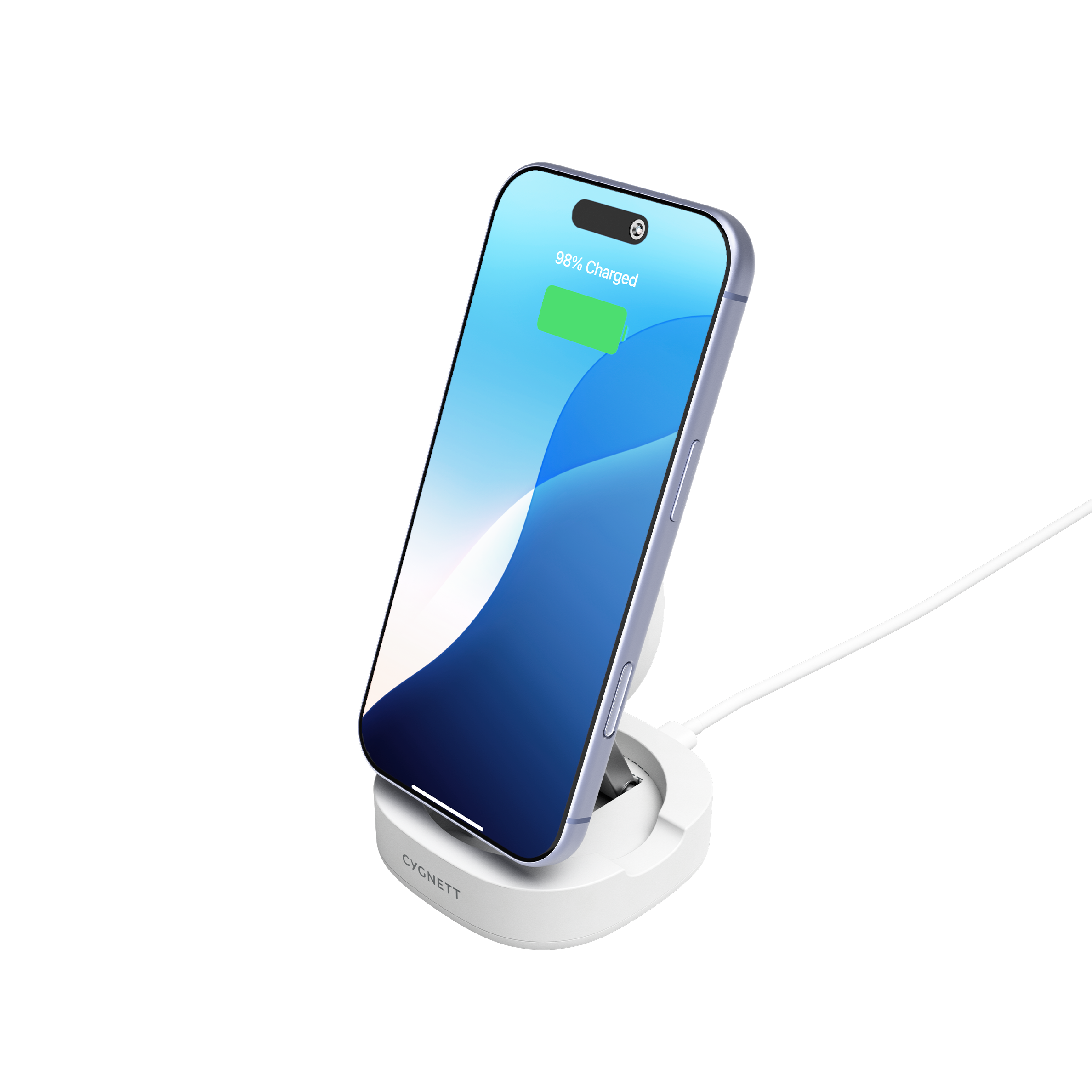
Wireless charging has quickly become a standard feature in many modern smartphones, particularly across high-end devices.
Wireless charging is designed to make powering up your device simple and convenient, without the need to connect a charging cable. While the technology itself is straightforward, there are a few helpful tips and tricks that can make your wireless charging experience even easier and more reliable.
Before using a wireless charger, we recommend checking your phone's specifications or the manufacturer's website to confirm that your device supports wireless charging. Not all smartphones are compatible with wireless charging, so checking your device specifications first will help ensure you select the right charging solution.
1. Ensure your phone is centered on the charger
The copper coil which creates the magnetic field that charges your device is almost always in the middle of wireless chargers. This means your phone must be centered in the middle of the wireless charger in order to work correctly.
2. Use a compatible case (less than 3mm)
Cygnett wireless chargers work with phone cases that are less than 3mm thick. If your case is thicker than 3mm you will need to remove your phone from the case to wirelessly charge.
Using a thick case will also cause more heat to be generated - and many smartphones have a built-in safety feature that stops charging if the temperature gets too hot.
3. Don't charge when using a case holding credit cards
If you're using a phone case that also holds your credit cards, make sure you remove these before wirelessly charging. The electromagnetic fields may demagnetize the stripe on your cards so it's best to remove prior to use.
4. Avoid placing in direct sunlight
As mentioned before, if your phone gets too hot it may stop charging. Charging wirelessly in direct sunlight may cause this, so if possible, please keep out of direct sunlight.